
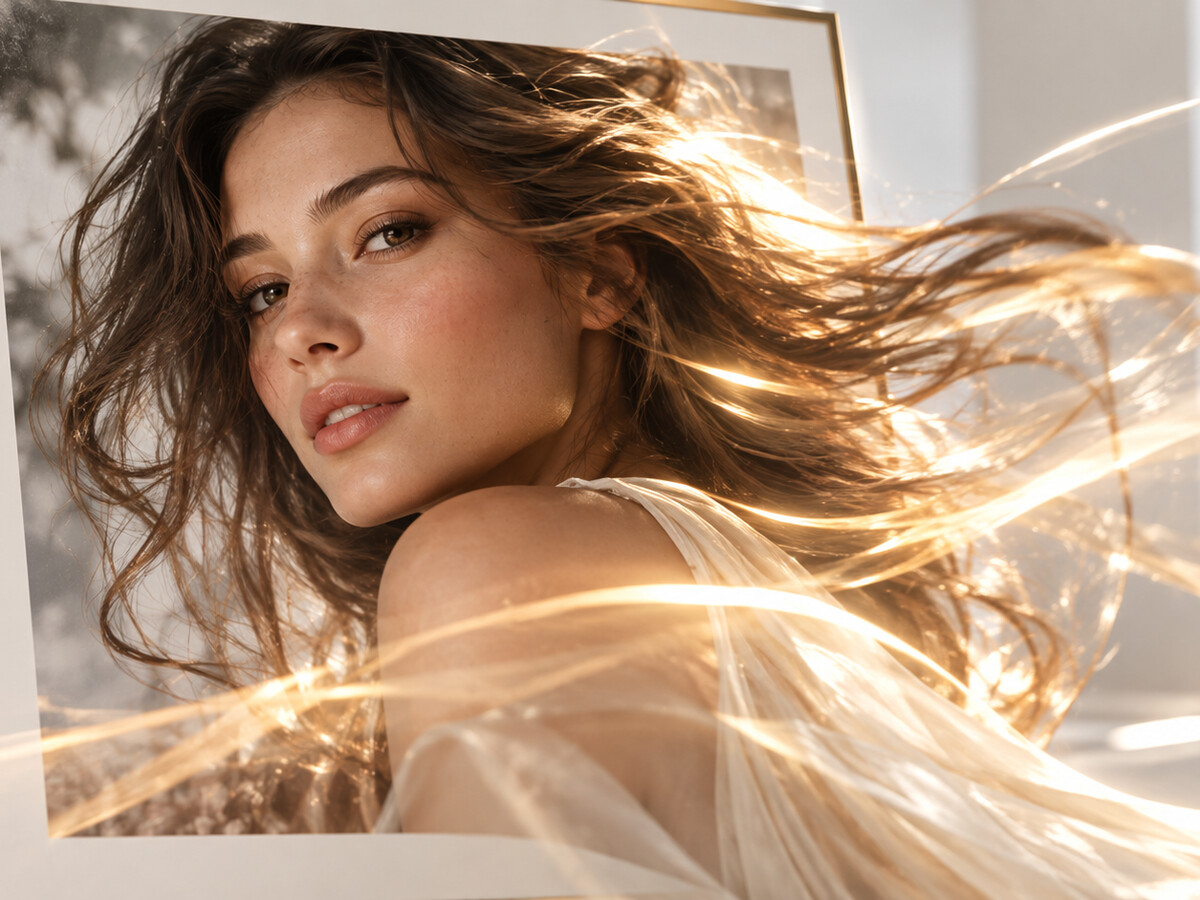
Animate any photo with motion prompts
Type a prompt describing the camera and the subject, and the tool animates the still. Pans, zooms and natural motion all render from a single image. Everything runs in the browser with nothing to install.
Turn any photo into a polished video with the photo-to-video AI generator. Simply upload your image, add motion or a voice, and ship a finished clip in minutes. No editing skills required.
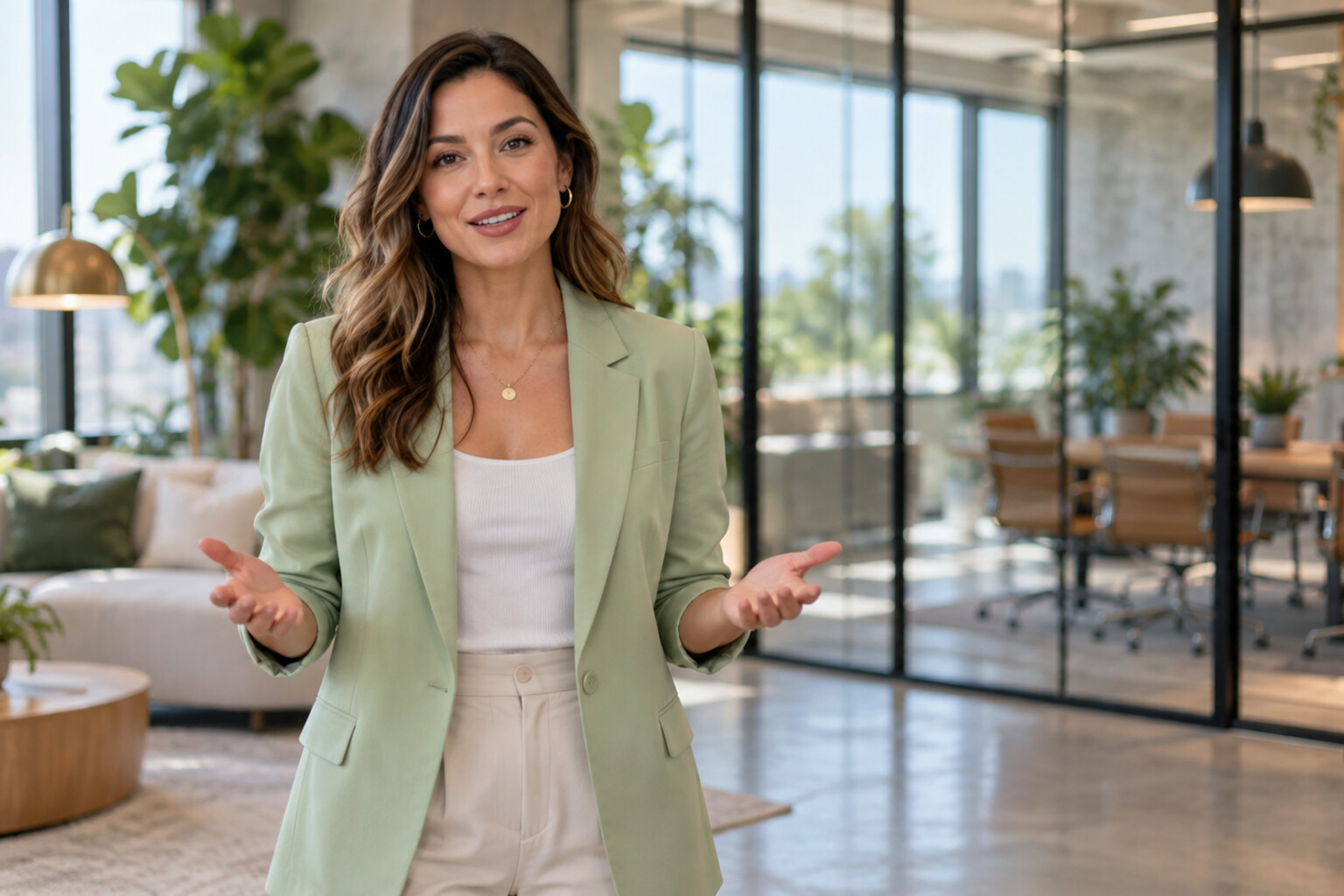
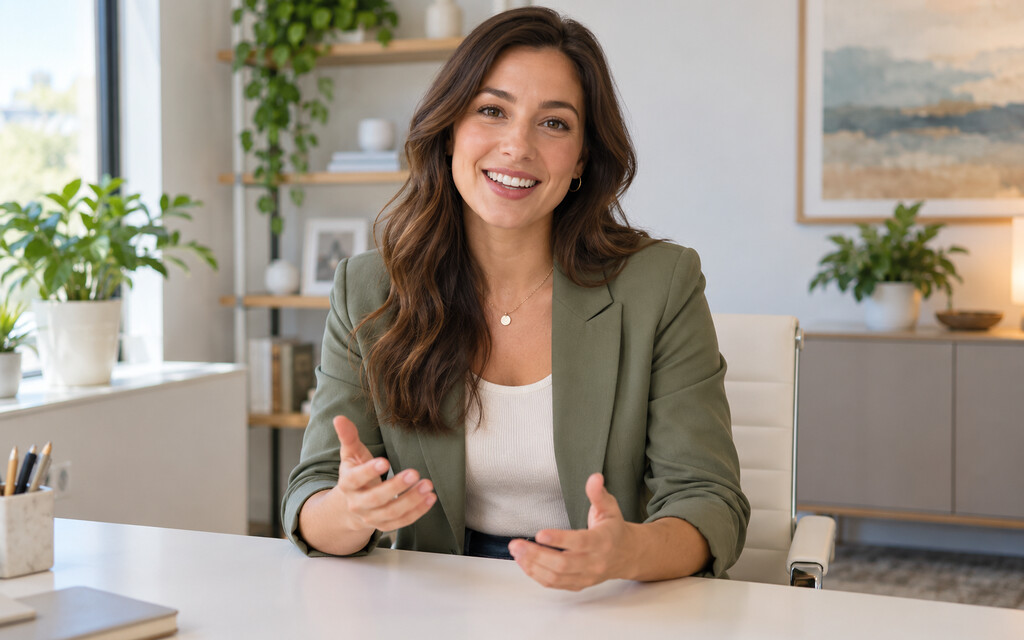
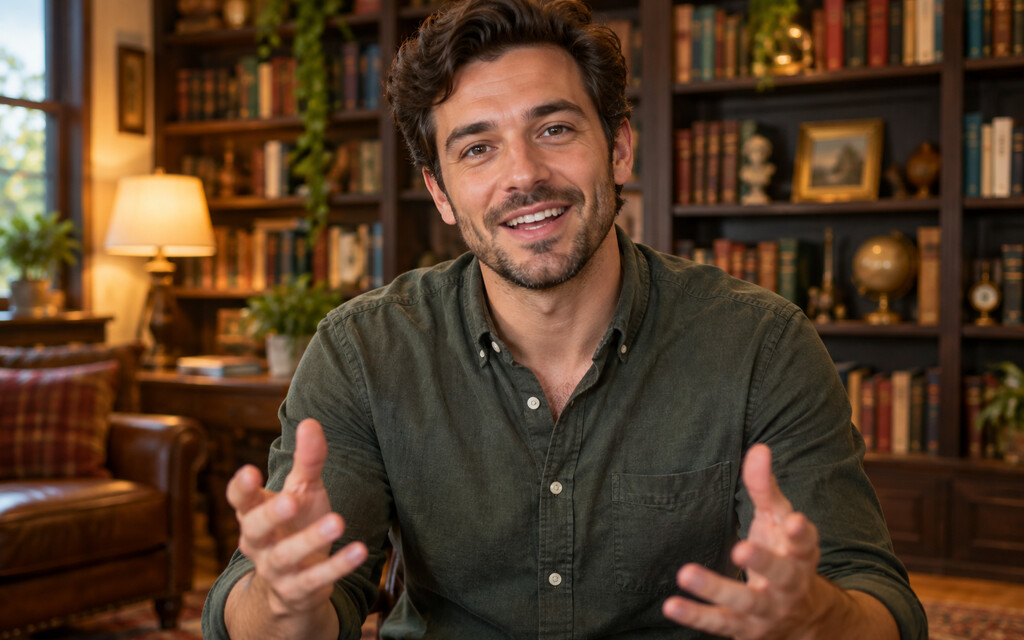
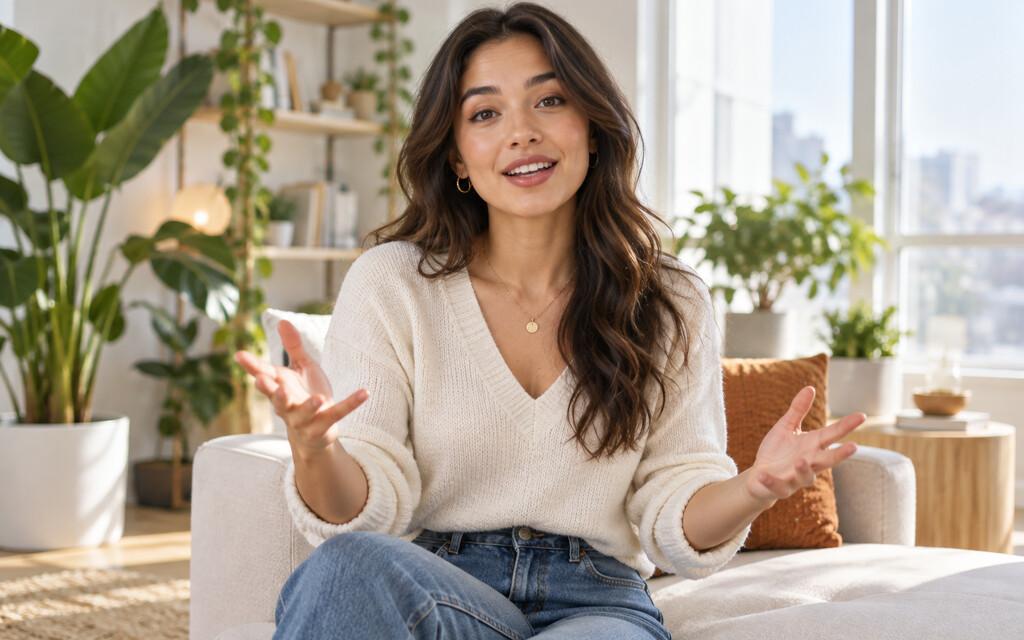
Type a prompt describing the camera and the subject, and the tool animates the still. Pans, zooms and natural motion all render from a single image. Everything runs in the browser with nothing to install.
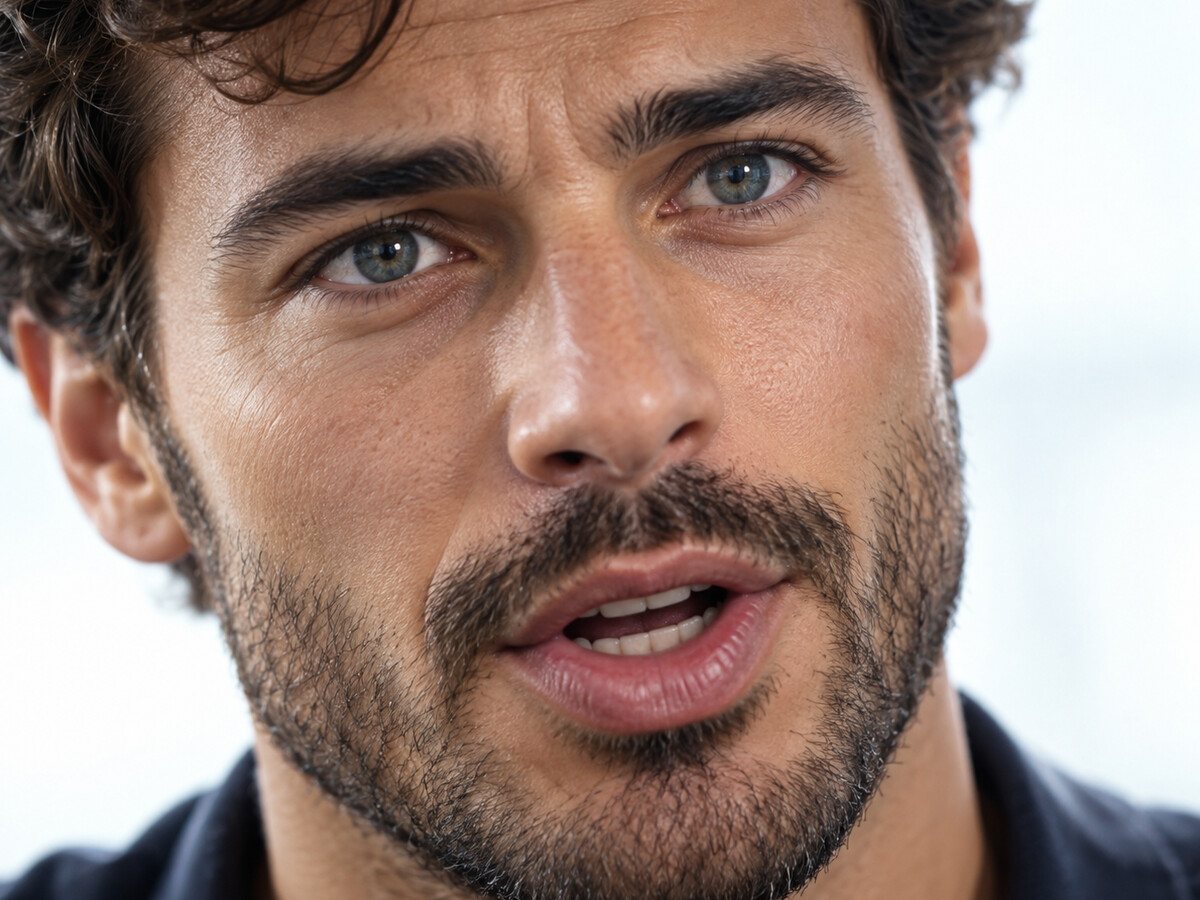
Bring images to life as a talking photo with frame-accurate AI lip sync. Upload a portrait, paste a script, and the generator produces a video where mouth shapes match every word, no video editing skills required. Perfect for explainer videos, vlogs and course intros.
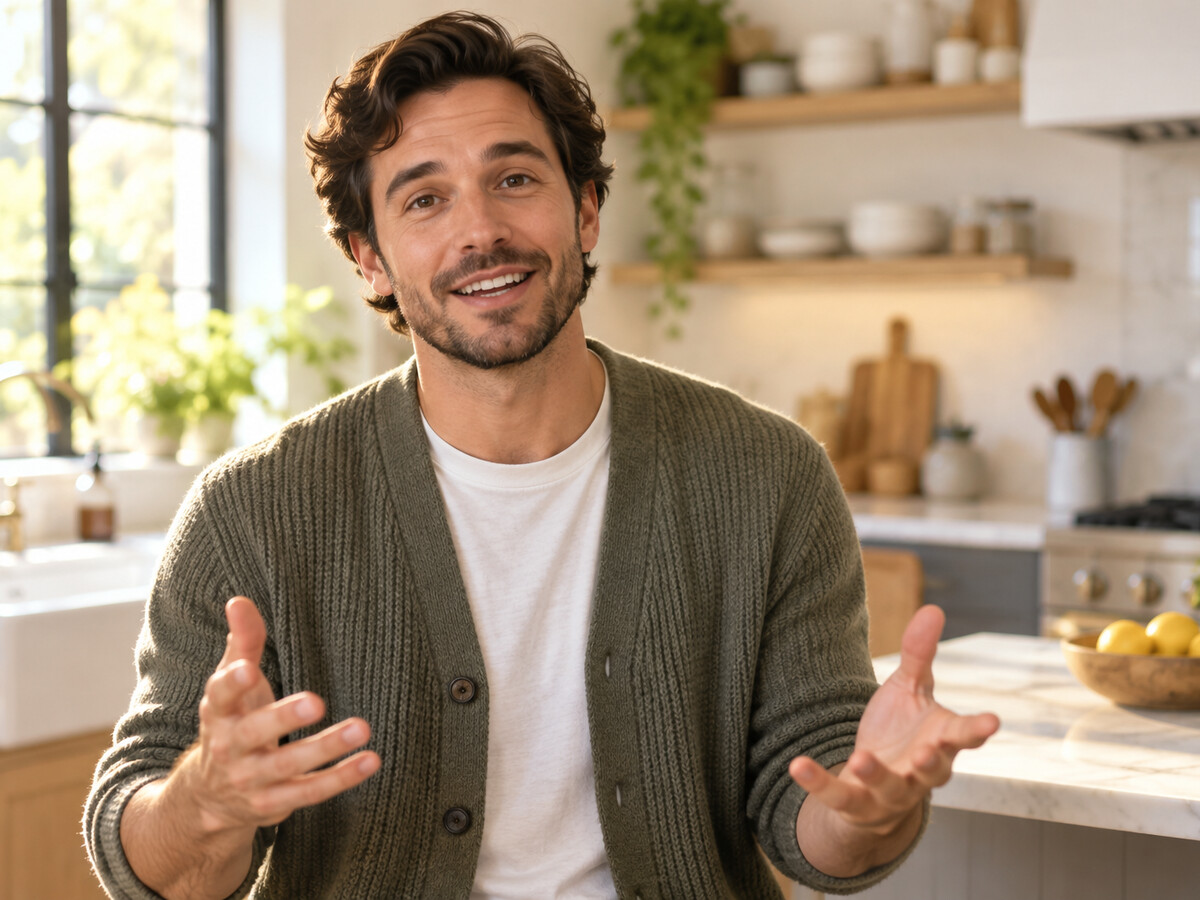
Pair your image with a cloned voice from AI voice cloning, or pick a natural AI voice in 177+ languages and dialects. The cloned voice preserves your tone across every clip you generate from a single photo. One image, one script, one global audience, no re-recording.
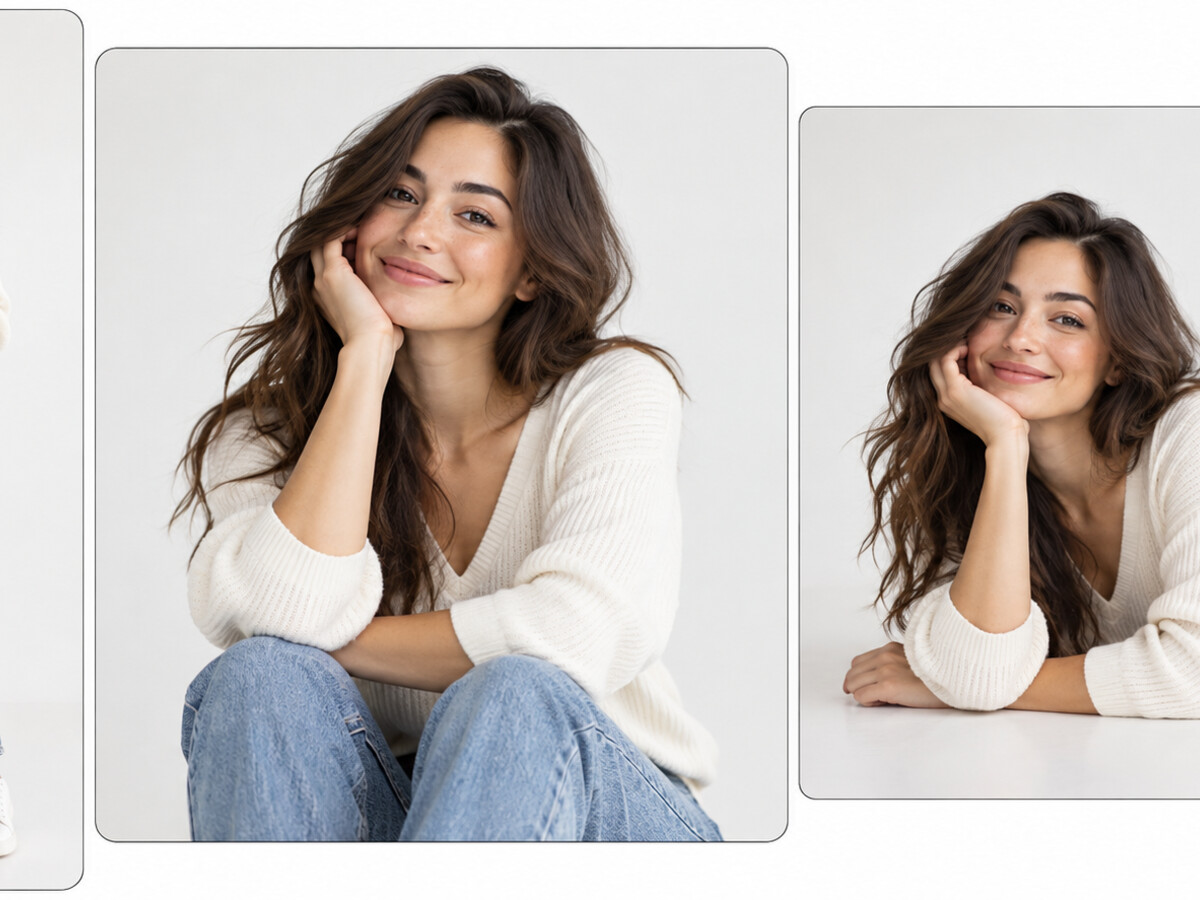
Render with sharp detail, smooth transitions and lifelike motion on every clip. Export vertical for TikTok and Reels, square for Instagram, or widescreen for YouTube. An optional 4K upscale sharpens hero clips and older source photos before you post.
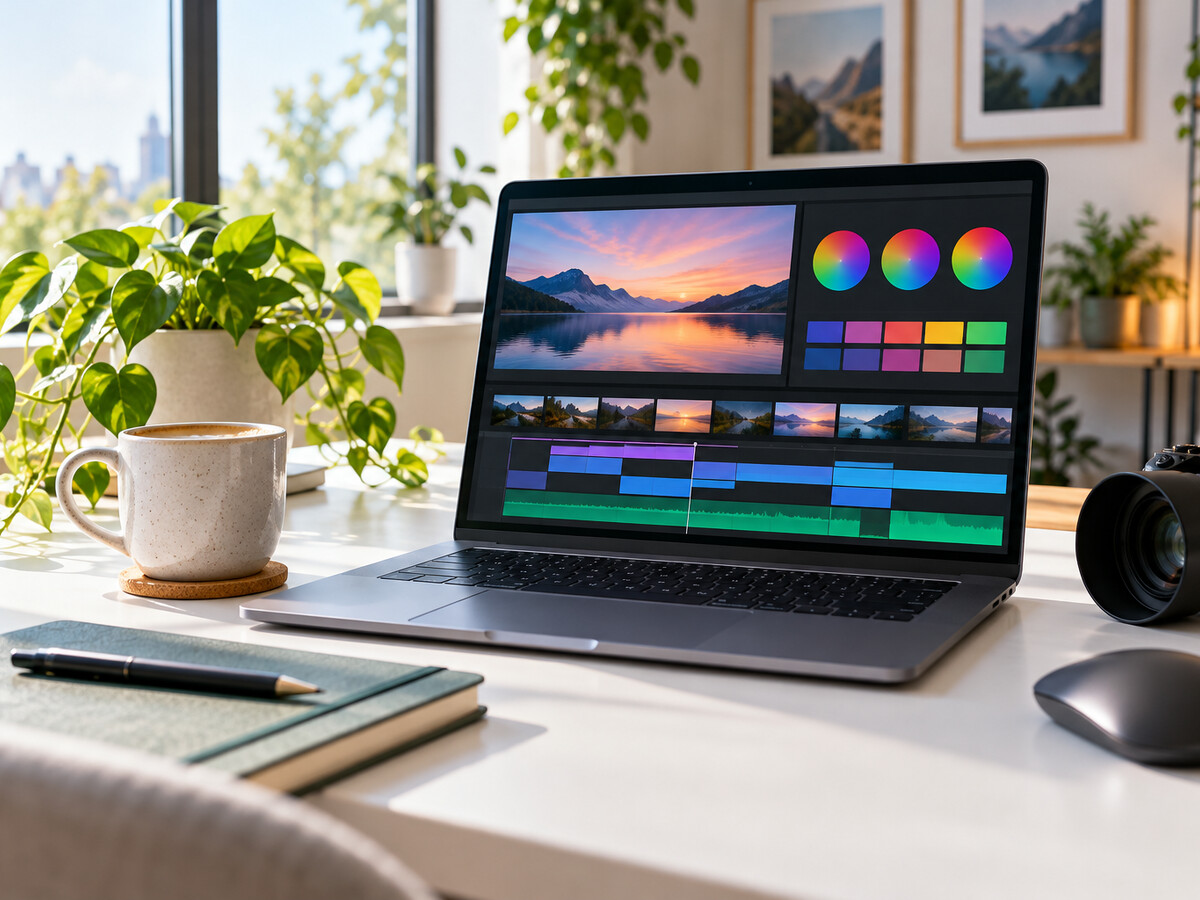
Tweak motion, captions and background music inside the AI video editor, then re-render the same image using a new prompt. Adjust pacing, swap voices or change aspect ratio in a few clicks. No reshoots, no re-uploads, no lost footage on render day.
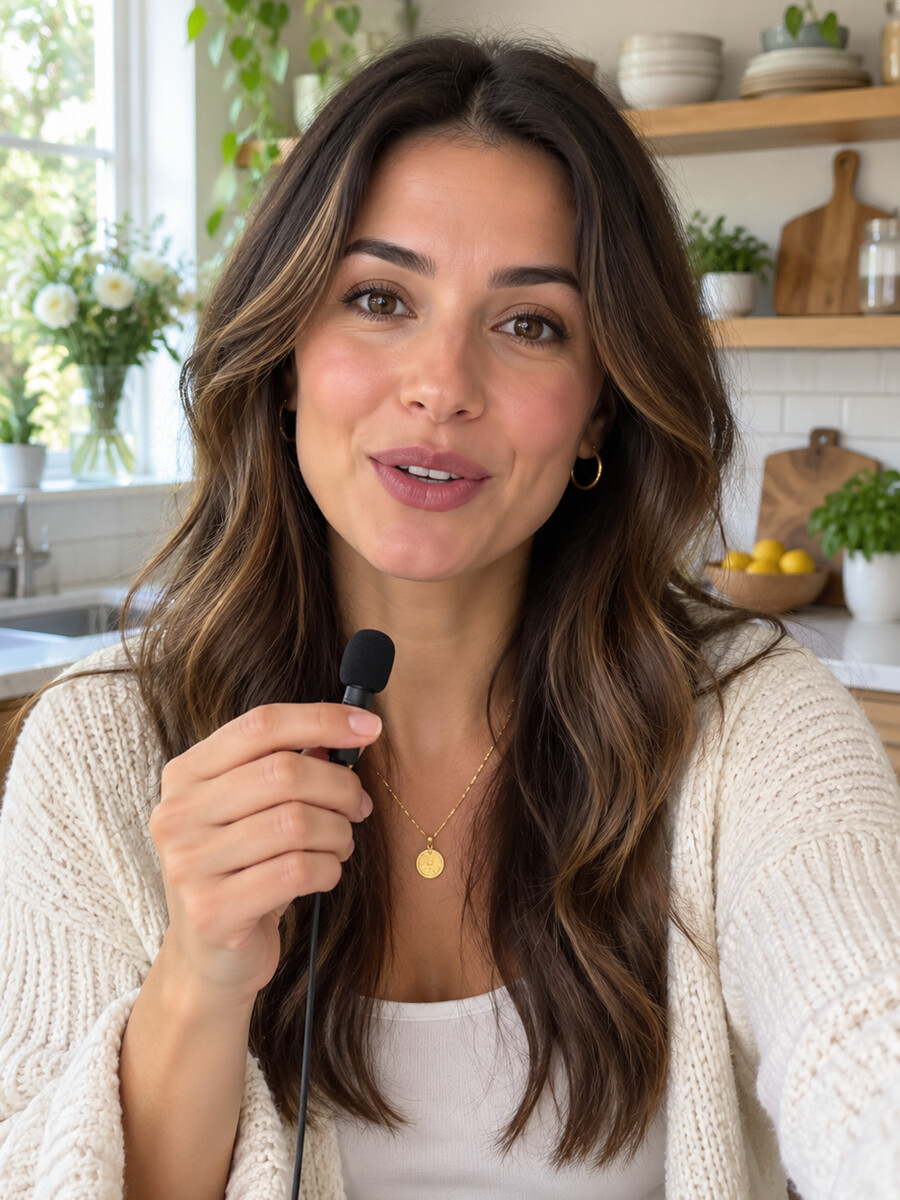
Turn any photo into a talking video. Skip the camera, skip the retakes. Add your script and get a share-ready clip with lip sync and eye contact that feels recorded.
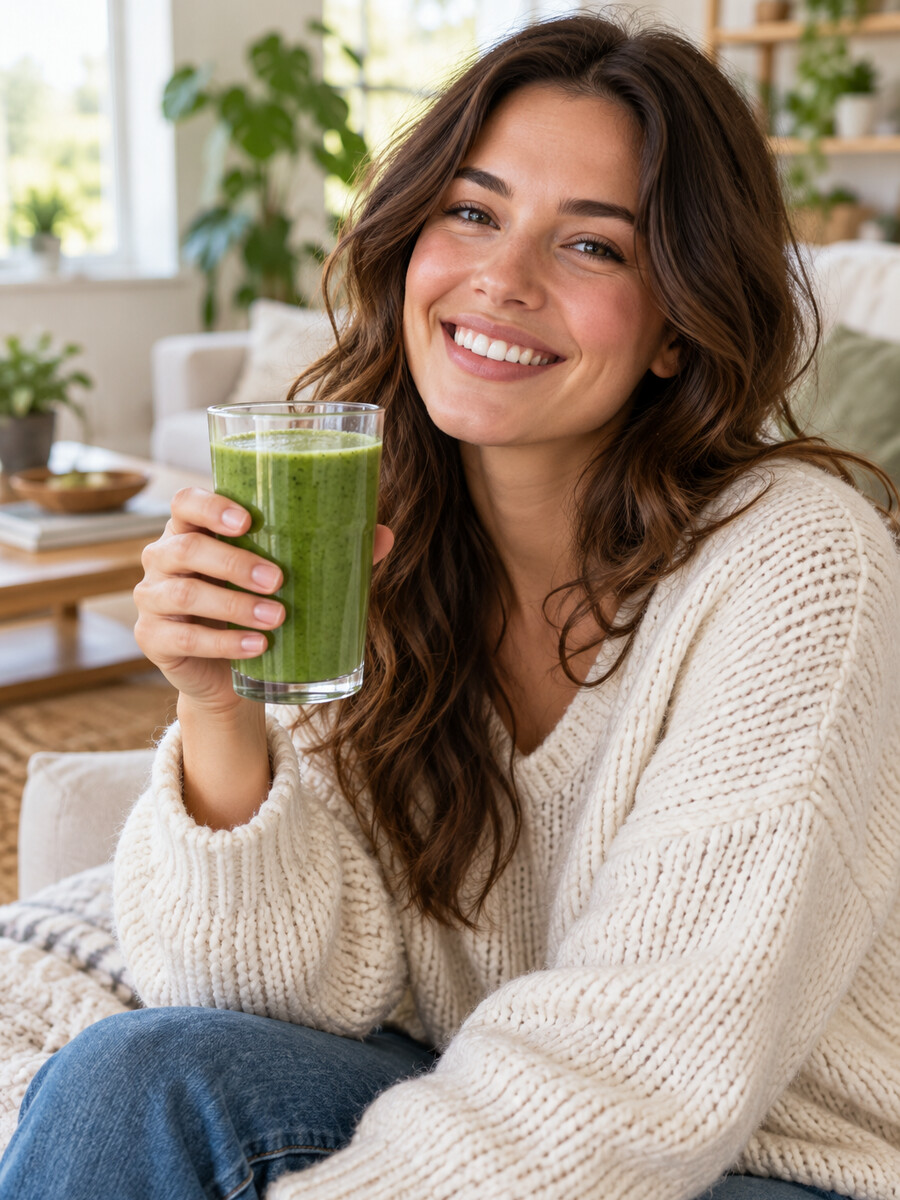
Turn product photos into short, motion-rich AI video ad clips for social feeds and client work. Pan across the product, layer in a voice and overlay branded text.
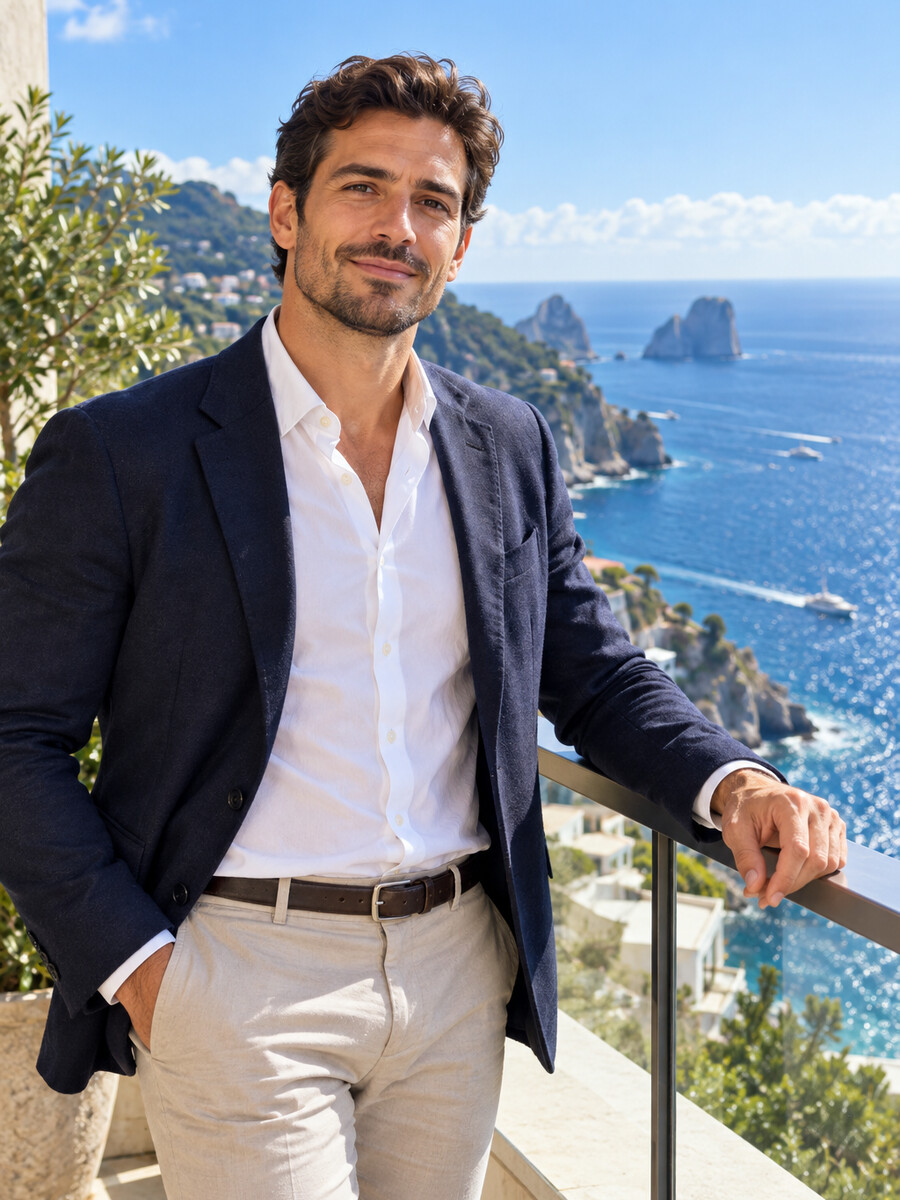
Generate videos from images once, then push the AI-generated video through the translator for 177+ languages and dialects with lip-synced dubbing.
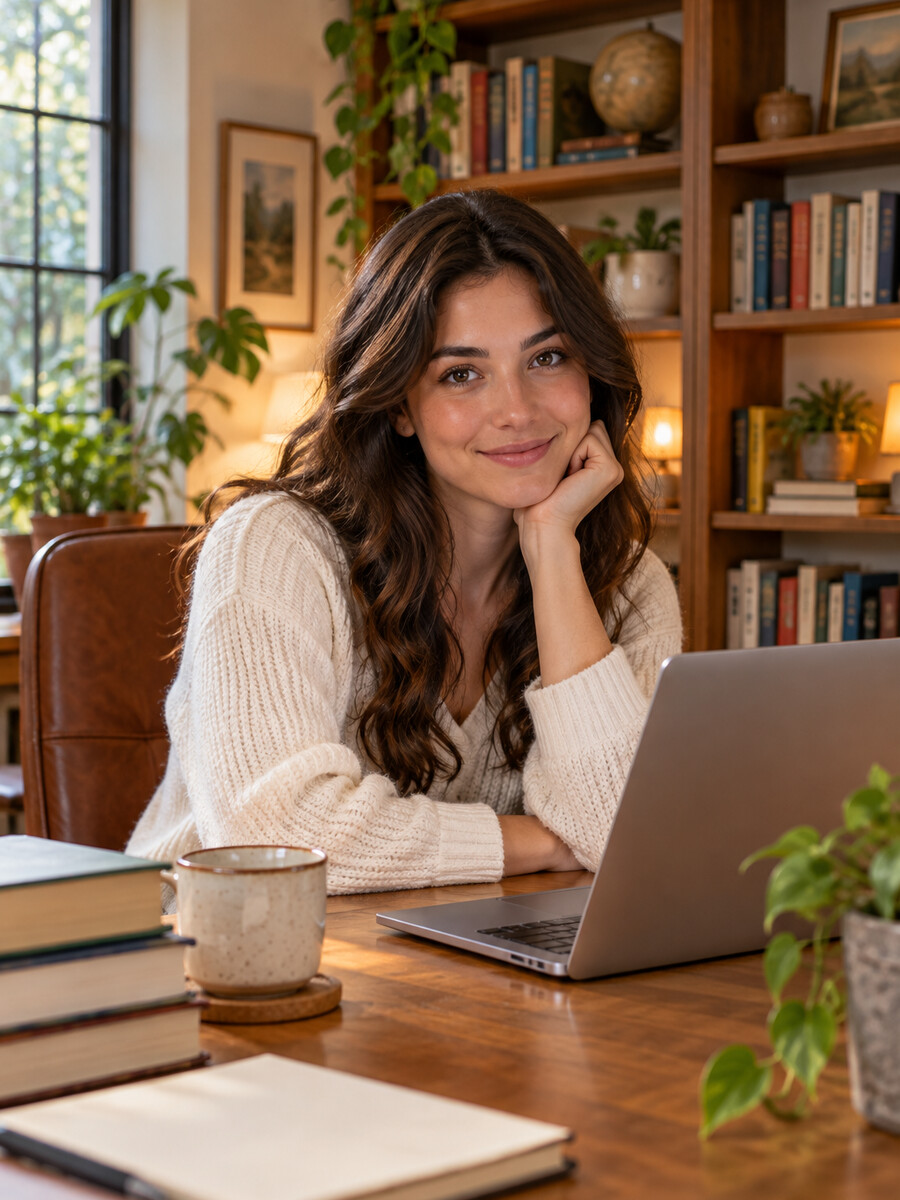
Upload a photo and create a full AI photo avatar that speaks, gestures and looks at the lens. Use it for course intros, sales messages or branded shorts.
Bring vintage or family photos back to life with gentle, lifelike motion. Turn a still portrait into a soft camera move or a smile.
Generate cinematic shorts and stunning video B-roll that turns still images into narrative scenes. Add a script, pick a voice, and ship.
Turn a diagram or instructor photo into a clear explainer with a photo avatar that speaks with realistic lip sync in 177+ languages.
Turn images and product stills into on-brand video across every team and region. Role-based access and shareable workspaces keep it secure.
Create video with the photo to video AI generator in four clear steps, from a single photo to a polished, share-ready clip.
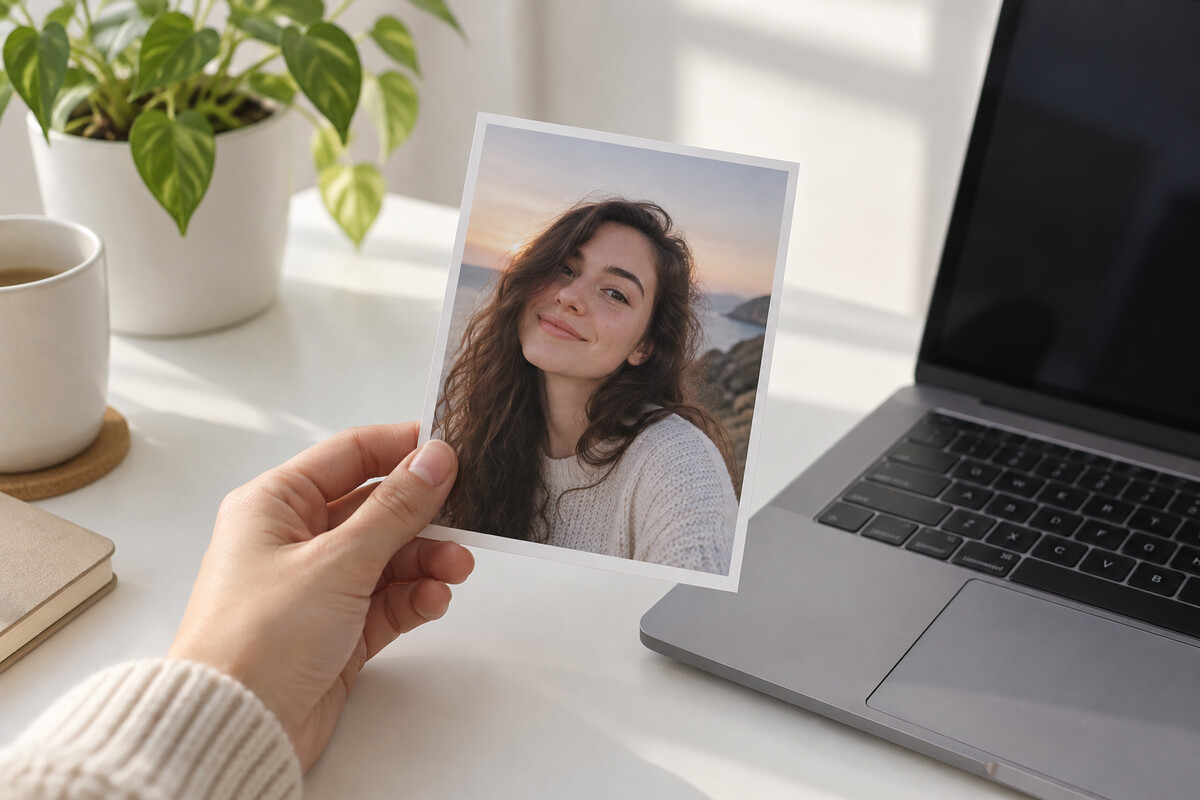 1
1Drop in a photo, illustration or graphic. Higher resolution gives sharper motion, so use the best version you have. PNG, JPG and WebP up to 5MB.
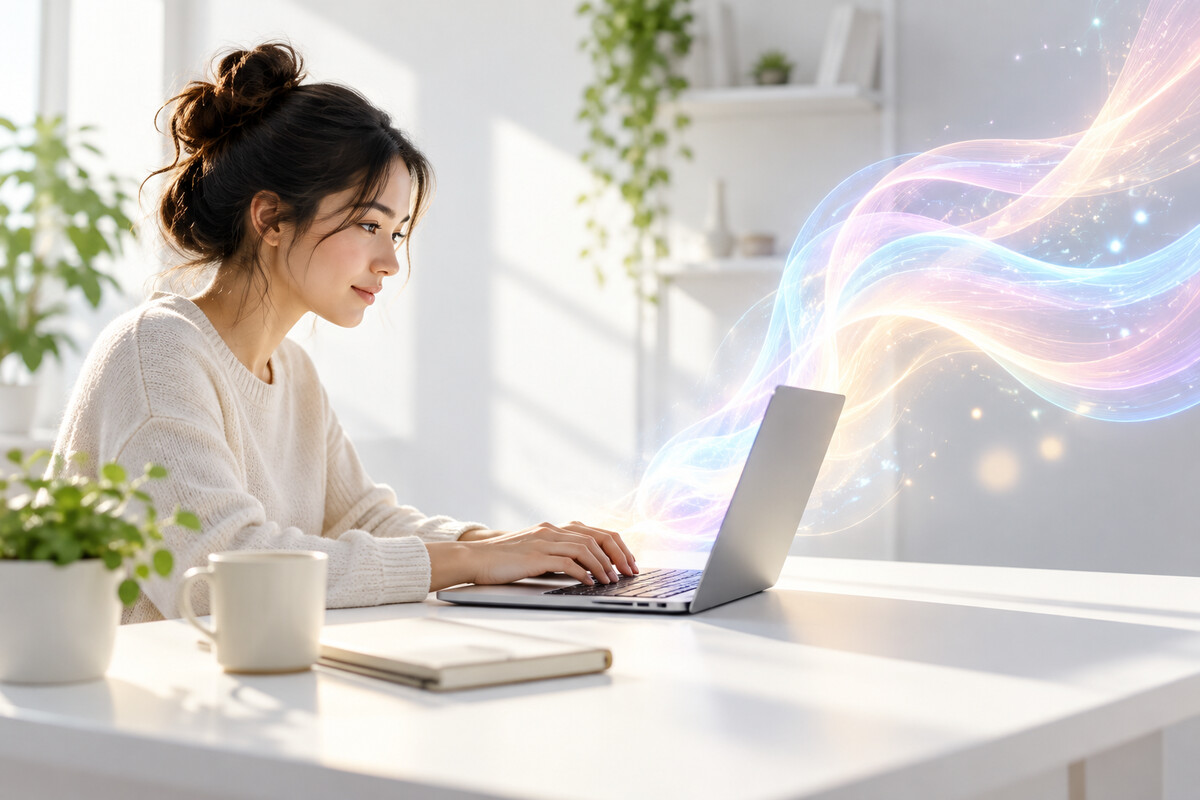 2
2Describe how the shot should move with a clear text prompt. Pans, zooms or a subtle camera glide work well, and you can iterate on the prompt after the first render.
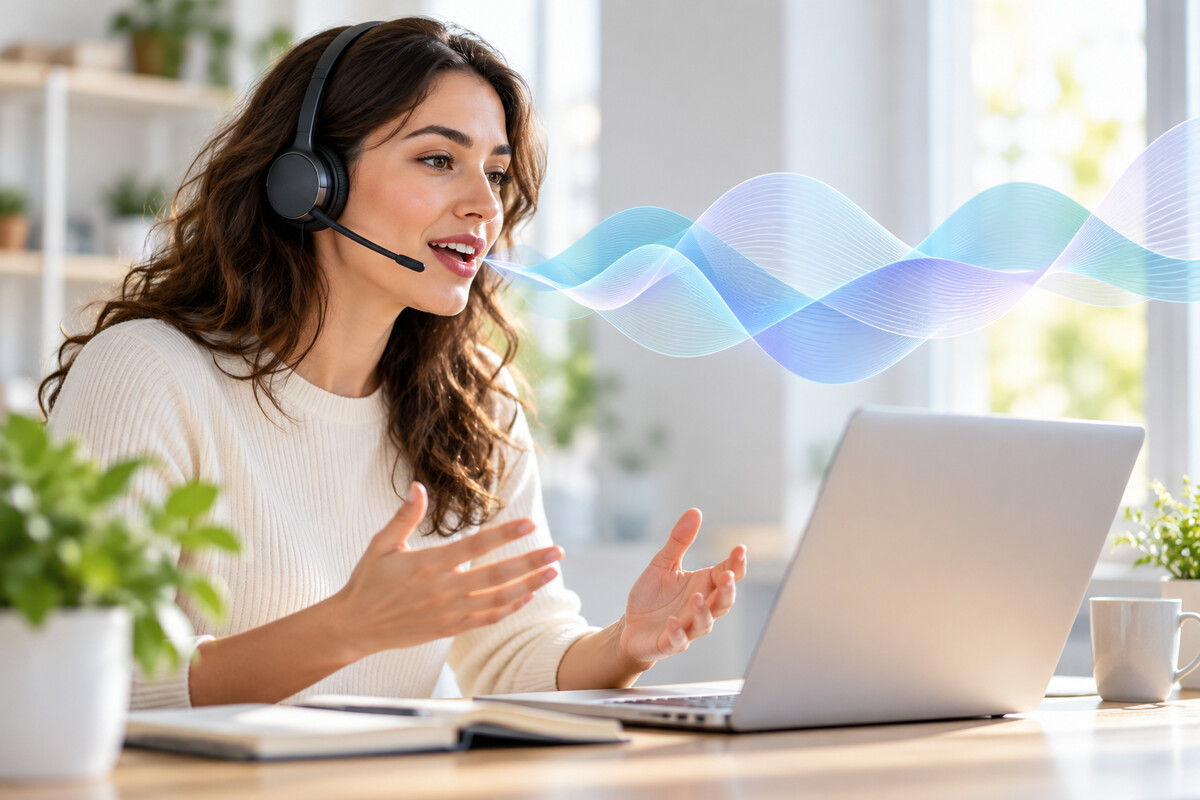 3
3Paste a script, pick a voice, or clone yours. Skip if you only want motion on the static image.
 4
4Render your clip, preview it, and export to MP4. Pick vertical, square or widescreen for any social platform.
Professional video creation, no camera or crew needed. Every plan includes the full photo-to-video studio — pick the one that matches how you create, or compare every detail on the pricing page.
$29/mo
Generative AI video creation for solo creators. Includes the AI video generator, AI voice over and unlimited photo avatars.
Everything you need:
$49/mo
Built for advanced individuals creating premium content at scale. Unlock flexible usage and export in stunning 4K video quality.
Everything in Creator, plus:
$149/mo
Additional seats are $20/seat. Secure, scalable video creation for teams and businesses.
Everything in Pro, plus:
Studio-quality video creation custom to your business needs. Flexible video generation, fastest processing, highest concurrency and enterprise-grade security.
Contact SalesPhoto to video AI turns a still photograph into a short animated clip with motion, voice and lip sync. Upload an image, add a prompt or a script, and the model renders the movement and audio into a finished video. No animation team and no editing software.
Photo to Video AI is built for most creators because it animates the photo and adds voice, lip sync and translation in one workflow. Other image to video tools focus on motion alone. One photo becomes a lifelike talking avatar in 177+ languages, so a single image turns into a global short video.
No. ChatGPT is a text model and cannot do AI video generation from a photo on its own. Photo to Video AI can. Upload your image, write text prompts or a script, and the tool renders motion, voice and lip sync into a finished clip. Draft your script in ChatGPT, then create video here.
You can start with a free trial render, and paid plans start at $29 a month. Paid plans add longer videos, watermark-free export, voice cloning and 4K upscaling. No credit card is required to try the tool.
For best results, use clear, well-lit photos at higher resolution. Portraits, product photos, illustrations and graphics all work. Supported formats are PNG, JPG and WebP, up to 5MB per upload.
Export vertical 9:16 for TikTok, Reels and Shorts, square 1:1 for Instagram feed, and 16:9 for YouTube. Files render as MP4, ready to upload anywhere. Switch aspect ratios on the same project without regenerating videos from images.
Yes. Clone your voice from a short sample using the AI voice generator, or pick a natural AI voice in 177+ languages. Paste your script, pick the photo, and the clip lip-syncs the voice to the image.
Describe the camera and the subject in plain language. "Slow zoom in, soft smile, gentle head turn" beats vague prompts like "make it move". Keep it short, then refine after the first render to create eye-catching motion.
Most short clips render in under two minutes. A ten to fifteen second clip with motion and lip sync finishes during a coffee break. Longer or 4K renders take a little more time, and you can queue several at once rather than waiting in sequence.
Yes. Add a cloned voice, an AI voice in 177+ languages, background music, or your own voiceover audio inside the AI video editor. Layer voice, sound and motion on the same image in one render, with no separate audio tool and no lost sync between voice and lip movement.
Standard renders hit clean HD with a smooth, natural transition. The 4K upscale option sharpens detail on hero clips and archival product photos. Lip sync stays frame-accurate at every resolution, and the high-quality output looks professional on phones.
You direct motion with plain-language commands: name the camera move (pan, zoom, tilt) and the subject action, and the AI follows. The avatar technology generates the movement paths and intermediate frames automatically. If the first render misses, edit the prompt and re-render the same image.
Motion-only clips run best at 10 to 15 seconds. Talking photo videos run as long as your script, up to 30 minutes on Creator and Pro, 60 minutes on Business, with no duration cap on Enterprise.
Use photo to video when you already have the exact visual and want to add motion, voice or lip sync. Use text to video when you start from a script and want the AI to generate the visuals.
Yes. Every clip renders from the same source image, so the face, styling and identity hold across renders. Turn the photo into a photo avatar and the same face and voice carry across every video you generate from it.
Yes. Course creators animate a single instructor photo and dub the script to ship explainer videos in 177+ languages, saving production time and budget while keeping one consistent presenter on screen.
Yes. The platform is built with privacy controls that keep your photograph and any voice samples private to your account, and customer content is never used to train AI models. Consent-based avatar workflows keep talking photos under your control, and you retain copyright on your source image.
No. Everything runs in the browser. Upload the image, write the prompt and export the MP4 — no editing software, plug-ins or desktop apps required on Windows, macOS or mobile.
Bring any photo to life with hyper-realistic voice and movement, then keep going with the rest of the studio.
Transform your images into professional videos with AI.